
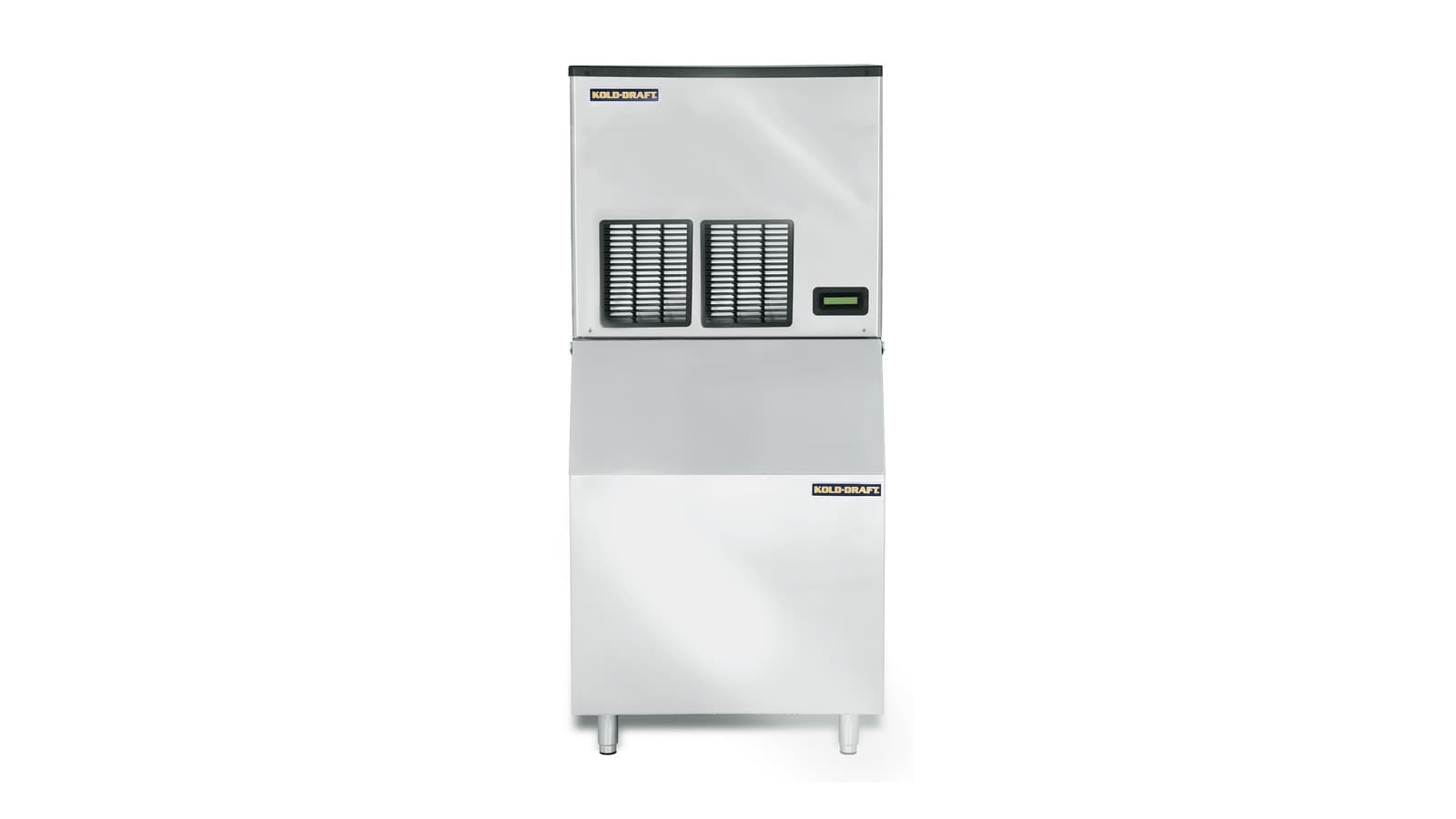
Proper setup, daily operation, routine cleaning, and basic troubleshooting for Kold-Draft modular, undercounter, and cocktail cube ice machines, including GTX360/560, GBX560/1060, SC201, and KD-50/70/110 models.
Key takeaways
- Kold-Draft cube machines require specific clearances, a dedicated electrical circuit, and potable water with controlled chlorine levels.
- Set the bin probe for a 1/8 in. dimple: raise it slightly if cubes are too light, lower it if they are too solid with no dimple.
- Clean and sanitize the ice-making system and bin with the cleaner and sanitizer the manual names; water treatment can lengthen the time between cleanings.
- Error codes on the control board, such as code 90 (bin full), help diagnose problems; the service manual lists all codes.
- All installation and major service must be performed by qualified, licensed technicians to meet local codes.
Models and manuals at a glance
The Kold-Draft cube ice machines we list come in several series: the GTX360 and GTX560 modular cube makers, the GBX560 and GBX1060 modular units, the self-contained SC201 undercounter ice machine, and the KD-50, KD-70, and KD-110 cocktail cube makers. All produce clear, solid cubes. The machines are designed for indoor commercial use and require specific installation, operation, and maintenance procedures detailed in the manufacturer's manuals.
Kold-Draft provides separate documents for different model lines. The installation and operation manual for GT and GB models covers the GTX and GBX series, including remote condenser setups. The KD-50, KD-70, and KD-110 are covered by a dedicated user manual. The SC200 series has its own installation and operation manual. A combined service manual provides technical details for GT, GB, and SC200 machines. A separate document describes bin installation and sanitizing for Kold-Draft storage bins.
Installation clearances and location
All Kold-Draft ice machines must be installed indoors in a protected area, away from heat sources, direct sunlight, and wet conditions. The GT/GB manual states that ambient operating temperatures must stay between 7°C (45°F) and 32°C (90°F). Temperatures below 15°C (60°F) may cause erratic bin level control. The SC200 manual requires ambient air between 7°C and 32°C, noting that lower temperatures can prevent ice ejection and higher temperatures reduce capacity. The KD manual specifies ambient temperatures between 10°C (50°F) and 38°C (100°F).
For GTX and GBX modular ice machines, Kold-Draft's GT/GB manual lists minimum clearances for ventilation and service access: left side 4 inches, right side 4 inches, rear 4 inches, and top 1 inch. The SC200 installation manual says no top or side clearances are required but emphasizes free airflow at the front and access at the back for connections. The KD user manual requires more than 4 inches at the rear, at least 0.6 inches at the top and sides, and a completely unobstructed front.
These clearances must be maintained to prevent reduced ice production and high system pressures. Any installation must be performed by a qualified, licensed installer in accordance with local codes.
Plumbing and electrical requirements
Potable water supply requirements vary slightly by series. The GT/GB manual requires chlorine levels no greater than 0.2 ppm, water temperature between 7°C and 32°C, and a dynamic pressure of 30 to 100 psig (0.2 to 0.6 MPa). A pressure regulator set to 30–50 psig is recommended. The KD manual specifies 20–80 psig and water temperature 5°C to 32°C. The SC200 manual matches the GT/GB figures. Do not connect to a hot water line. Insulate water lines to prevent condensation.
Drainage must comply with local plumbing codes. For GT/GB machines, the manual instructs that separate drains be provided for each evaporator and the ice bin, with no reduction in tubing size. Each drain must have a 1.5-inch air gap if discharging into a common manifold. Drain lines must slope a minimum of 2.5 cm per metre (0.3 inch per foot). The KD machine uses a gravity drain; poor drainage can cause melting or flooding. The SC200 manual similarly requires a slope of 1/4 inch per foot and an air gap. A licensed plumber should make all connections.
Electrical safety is critical. All Kold-Draft units require a permanent connection; drop cords must never be used. The GT/GB manual states each machine must have its own protected circuit with no other loads, using fuses or HACR breakers. A fused disconnect adjacent to each unit is recommended. Voltage tolerances: for 115V nominal, the full-load minimum is 104V; for 208-230V, minimum 198V. The KD manual requires a 115V, 60 Hz, 15-amp separate circuit with a 3-prong grounded outlet; never use an extension cord. The SC200 manual has similar requirements. A licensed electrician must perform the electrical installation.
Assembling the unit and preparing the bin
For GTX and GBX machines mounted on a storage bin, start by removing all cover panels. The bin must be perfectly level; use 150 mm (6-inch) legs or shims and seal the base to the floor with NSF-certified sealant. Cut an ice drop opening in the bin top if needed. Apply gasket material to the bin top at the outer edge of the frame. Lift the ice machine onto the bin and fasten it with non-corroding fasteners. Remove shipping materials, including the water plate strap. Insert the bin probe and check the cubes: if they are too light or lack the right dimple, raise the probe slightly; if they are too solid with no dimple, lower it. Making cubes without a 1/8 in. dimple reduces capacity.
The Kold-Draft bin installation and sanitizing document directs that the bin's polyethylene interior must be cleaned and sanitized before use with a cleaner suitable for food zones. Exterior stainless surfaces can be cleaned with a stainless steel cleaner. Always drain the bin prior to cleaning. Connect the bin's ¾-inch drain fitting carefully; do not use excessive force or heat, as the plastic fitting can melt.
For the self-contained SC201, install the provided legs and level the machine by screwing the leg adjusters in or out. For KD-50, KD-70, and KD-110 units, screw in the four adjustable feet and level the ice maker; this is critical for proper water flow over the evaporator. The KD manual warns not to tilt the unit more than 45 degrees while fitting the feet.
Start-up and daily operation
The GT/GB manual's start-up procedure: set the on-off switch to OFF and the ice-clean switch to CLEAN. Turn on water and power and inspect for leaks. Pour 0.5 litre of clean water into the circulation system to lubricate the pump seal. Switch to ON; water fills the tank and the pump circulates water. Pull down the right side of the water plate to initiate a dump cycle, then switch to ICE. The compressor and fan start. After the first cycles, hold ice against the bin probe: the control board should display code 90 and shut down after the cycle ends. Discard all start-up ice, then clean and sanitize the bin.
The SC200 manual's start procedure is similar: with the on-off switch off and the ice-clean switch in ICE, turn on water, check for leaks, then move the switch to ON. The compressor starts, the water plate closes, the sump tank fills, and the pump circulates water. Discard all ice produced in the first cycle.
For KD machines, let the unit stand upright for 24 hours after shipping. After connecting water and drain and levelling, turn on the water supply and plug in. The machine starts automatically; the compressor runs, water flows over the evaporator, and cubes fall into the bin. The ice cube full sensor stops production when the bin is full. Discard the first batch of cubes. In daily operation, keep the bin door closed and report any unusual sounds.
Cleaning and routine care
Disconnect power before any cleaning that involves removing panels, and never clean ice-maker parts with flammable fluids. For the GTX and GBX, the manuals use the ice-clean switch to run a cleaning cycle with an approved ice machine cleaner in the water tank, and a sanitizing solution of 1 teaspoon (5 ml) of 5-1/4% sodium hypochlorite per gallon of warm water. Water that is low in sediment and chlorine, or treated water, lengthens the time between cleanings.
On the KD-50, KD-70 and KD-110, wipe the exterior with a soft cloth and mild detergent with the power off, and vacuum the condenser fins on the KD-70 and KD-110. Sanitize the storage bin before first use, after a long shutdown and after cleaning the ice-making system: with the power off, wipe the interior with 1 oz of household bleach in 2 gallons of hot water (35 to 46°C), rinse with clear water and reconnect the power. Never use solvent-based cleaners or abrasives inside, and wash the ice scoop like any food container.
The SC200 series also starts its cleaning cycle from the ice-clean selector switch after the cleaner is added; rinse every part well afterwards.
Troubleshooting and service
When a problem occurs, check the control board for error codes. The GT/GB manual notes that code 90 indicates a bin-full condition. The service manual contains a full error-code chart covering issues such as high-pressure cutout, water plate closure failures, and probe faults. Operators may check that the water supply is open, the drain is not clogged, the condenser is clean, and all panels are on. If cubes are too soft or lack a dimple, adjust the bin probe as described in the assembly section.
The KD manual's troubleshooting table lists common symptoms: machine not operating (check power, switch, and ice cube full sensor), low ice production (verify water and ambient temperatures, clean the condenser), unusual noises (ensure the unit is level), and water leakage (check drain and hose connections).
For anything beyond these checks, call a qualified technician from the manufacturer's authorized service network, using genuine replacement parts. Work on the refrigeration system or electrical components is never an operator task.
Common questions
How often should I clean my Kold-Draft ice machine?
- The manuals tie cleaning frequency to water quality: water low in sediment and chlorine, or treated water, lengthens the time between cleanings. The KD manual asks for the bin to be sanitized before first use, after a long shutdown and after each cleaning of the ice-making system.
What does error code 90 mean on my GTX or GBX ice machine?
- Code 90 indicates that the bin is full or that the bin probe is detecting ice. The machine will finish its current cycle and then shut off. To test the probe, hold ice against it; the code should appear within 30 seconds.
Can I use softened water in my Kold-Draft ice machine?
- Yes, but the KD manual notes that very soft water may produce white, mushy cubes that stick together. A water filter designed to remove particles, taste, and odour is always recommended to improve ice quality and reduce cleaning frequency.
What clearances does a Kold-Draft KD-50 need?
- The user manual specifies more than 4 inches clearance at the rear, at least 0.6 inches at the top and sides, and the front must be completely unobstructed. This ensures proper ventilation and cooling.
How do I adjust cube solidity on a GTX or GBX machine?
- Move the bin probe. If the cubes are too light or lack the right dimple, raise the probe slightly; if they are too solid with no dimple, lower it. The GT/GB manual aims for a 1/8 in. dimple, since cubes without one reduce capacity.